Best Pet Cameras for Apartment Dwellers
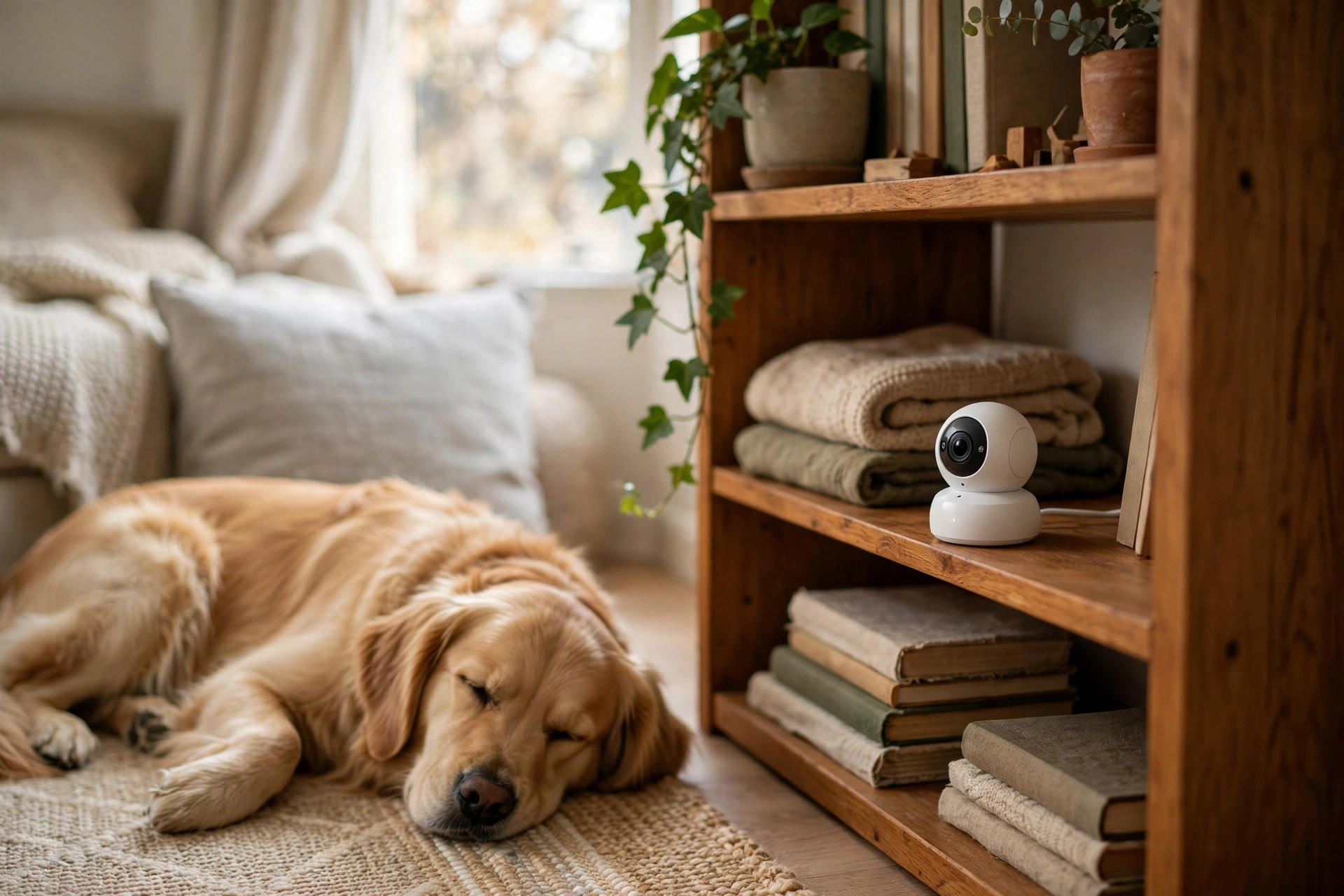
A pet camera is the only witness to the hours your dog or cat spends home alone — and in an apartment, those hours carry extra weight. A bored dog that barks for two hours straight does not just annoy you; it generates the noise complaint that ends up taped to your door. The right camera tells you whether your pet is napping peacefully or rehearsing a problem, and that single piece of information is worth more than any gadget feature list.
- A $35 camera you check daily beats a $250 one gathering dust. If you are unsure, start cheap.
- Two-way talk is the most overrated feature — it startles more dogs than it calms. Bark and motion alerts matter far more.
- Treat-tossing cameras assume your dog will eat on camera. Many dogs ignore the first dozen tosses.
- Almost every pet camera connects over 2.4 GHz Wi-Fi only. Confirm your router broadcasts it before you buy.
- In a rental, the best camera needs no drilling, no wiring, and a footprint smaller than a coffee mug.
Five cameras worth a spot on your shelf
Every camera below is a real, widely sold model — no crowdfunding experiments, no rebranded white-label mystery cams. Prices are typical street prices, not promises.
| Camera | Best for | Usually | Apartment note |
|---|---|---|---|
| Furbo 360° Dog Camera | Treat tossing + bark alerts | $150–$199 | Rotating view covers a whole room; subscription unlocks smart alerts |
| Petcube Bites 2 Lite | Wide-angle room coverage | $199–$249 | 160° lens sees wall to wall; treat fling distance is generous |
| Wyze Cam v3 | Budget watching | $30–$40 | Color night vision, no subscription needed for basics |
| Blink Mini 2 | Tiny footprint | $35–$45 | About the size of a golf ball; plugs into any USB outlet |
| Google Nest Cam (battery) | No nearby outlet | $150–$180 | Battery or wired; excellent person/pet detection, no treat features |
Furbo 360° — the treat-tossing pick
Furbo built its name on one trick: flinging a treat across the room while you watch. The 360° rotating base means one camera covers an entire studio — you can follow the dog from the couch to the front door without a second unit. Barking alerts and two-way audio are included, but the genuinely useful features (person detection, cloud video history, “dog selfie” alerts) sit behind the Furbo Nanny subscription. Budget for the camera plus the plan, or accept that the free tier is mostly a live viewer with barking alerts.
Petcube Bites 2 Lite — the wide-angle pick
Petcube’s 160-degree lens sees nearly an entire room from a single corner shelf, which is ideal when your “living room” is also the hallway. The treat dispenser flings farther than Furbo’s, so it works in longer narrow apartments. Two-way audio is full-duplex — you can talk and hear at the same time, unlike the walkie-talkie style of cheaper cams. Petcube Care subscriptions add cloud history and smart alerts; without one, you get live view and basic motion and sound alerts.
Wyze Cam v3 — the budget pick
The honest cheap option, and for many apartment owners it is all they ever need. The v3 records in color even in low light, which matters because pets are most active at dawn and dusk when rooms are dim. There is no treat tossing and no pet-specific software, but motion alerts, two-way talk, and free 14-day event clip storage cover the core question — “what is my pet doing right now?” — for the price of two takeout dinners. Add a microSD card for continuous local recording with no monthly fee.
Blink Mini 2 — the tiny-footprint pick
When shelf space is measured in inches, the Mini 2 wins: it is roughly golf-ball sized and runs off any USB port, so it can live on a bookshelf powered by a phone charger you already own. Motion detection, two-way talk, and night vision all work; cloud clips require a Blink subscription plan, or pair it with a Sync Module for local USB storage. It will not toss treats or pan around the room, but as a second camera for the bedroom or hallway, its size is unmatched.
Google Nest Cam (battery) — the no-outlet pick
The one camera here you can stick anywhere — on top of a wardrobe, on a window ledge facing the couch — because the battery model needs no plug at all. Its on-device detection distinguishes people, animals, and vehicles, which dramatically cuts the false-alert fatigue that makes owners mute their cameras within a month. There is no treat dispenser and no pet-specific framing, but as a pure “is my dog calm right now?” monitor, its alert quality is the best of the bunch. Expect to recharge every few weeks with typical use.
Where to point it in 700 square feet
Apartments are small enough that one well-placed camera sees everything — and badly placed, it sees nothing but a wall. The setup that works:
- Height: shelf level, 4–5 feet. Too high and you watch the tops of heads; too low and the dog blocks the lens. A bookshelf or the top of a cabinet facing the main living area is the sweet spot.
- Angle: cover the door and the couch. Separation-anxiety behaviors cluster at exit points — the front door, and wherever the dog settles. One camera aimed to see both tells the whole story.
- Light: face away from windows. A camera staring into a bright window turns your pet into a silhouette. Put the window behind the camera instead.
- Wi-Fi: confirm 2.4 GHz. Nearly every pet camera connects only on the 2.4 GHz band. Most routers broadcast both bands; if yours uses one merged network name, split them in the router settings before setup day.
- Power: plan the cable. USB-powered cameras can run off a power bank for a day in a pinch — useful if the best camera spot has no outlet. Battery models skip this entirely.
For cats, add a second consideration: point one camera at the window perch or wherever the cat spends afternoons. Cats do their most interesting — and most worrying, like over-grooming — behavior when the apartment is empty and quiet.
- Reliable alerts. Barking, meowing, and motion detection that does not cry wolf every time a cloud passes. This decides whether you keep using the camera past week three.
- Night vision. Pets are crepuscular. If the camera goes blind at dusk, it misses the interesting hours.
- Two-way audio quality. Not for chatting — for hearing what kind of bark it is. Distress whining and boredom barking sound different, and the fix is different.
- No-subscription baseline. At minimum, live view and basic alerts should work free forever. Treat smart-detection extras as optional.
The subscription math nobody shows you
The sticker price is half the story. Furbo and Petcube both keep their best features — cloud video history, person and pet detection, barking highlight reels — behind paid plans that run roughly $5–$10 a month. Over two years, a $199 camera with a $7/month plan costs about $367. That is still reasonable for daily peace of mind, but go in with eyes open: the free tier on both is essentially a live viewer with basic alerts.
Wyze and Blink take the opposite approach — the hardware is cheap and the useful basics work without a plan. Wyze gives 14 days of event clips free; add a microSD card and you have continuous local recording for the one-time cost of the card. If your only question is “is the dog okay right now,” the subscription-free route is the rational pick.
Camera etiquette for roommates, guests, and neighbors
A camera in a shared apartment is a social device as much as a pet device. A few rules keep it from becoming a problem:
- Tell roommates, in writing. A camera that records audio may fall under two-party consent laws depending on your state — and regardless of the law, a roommate discovering a camera is a trust problem. Disclose it before it goes up.
- Angle it at the pet, not the people. Point the lens at the couch and the door where the dog hangs out, not at the roommate’s bedroom door or the bathroom hallway.
- Watch the window sightlines. In dense buildings, a camera near a window can stare straight into the neighbor’s living room across the courtyard. Angle it down and inward.
- Landlords rarely care. A freestanding camera involves no drilling, no wiring, and no modification — it is furniture. No permission needed in any normal lease.
The camera is a diagnostic tool, not a treatment. If the footage shows your dog pacing, whining, and drooling for hours, that is separation anxiety — and the fix is a desensitization plan and the right calming tools, not a louder speaker to shout through. The camera’s job is to tell you which problem you actually have.
FAQ
Will talking through the camera calm my dog down?
Usually the opposite. A disembodied voice with no person attached confuses most dogs — some bark more, some search the room anxiously. Use two-way talk to assess what kind of vocalizing you are hearing, not as a soothing tool. Calm dogs down with routine and background sound masking, not remote chatter.
Do pet cameras work on apartment Wi-Fi with a captive portal?
Often no. Most pet cameras cannot click through a login page, so building-wide Wi-Fi that requires a browser login will block setup. If your building uses that system, you need your own router or a travel router in bridge mode. Standard home routers with a password work fine.
Can a camera help prove my dog is not the noisy one?
Yes, and this is an underrated use. If a neighbor complains about barking, a week of motion-triggered clips showing your dog asleep is the fastest way to resolve it — or to discover the complaint is valid and you need a training plan.
Is there a good pet camera with no subscription at all?
The Wyze Cam v3 with a microSD card is the closest: live view, alerts, and continuous local recording with no monthly fee. The Eufy indoor cameras follow the same model. You give up treat tossing and pet-specific AI, but the core monitoring works indefinitely.